> ## Documentation Index
> Fetch the complete documentation index at: https://help.cryptolens.io/llms.txt
> Use this file to discover all available pages before exploring further.
# Create an account
> Step by step instructions on creating an account.
If you've already used Cryptolens.Licensing, you might recognize that you need things such as **access token** and **productId**.
Basically, you need some way of letting [Web API](/web-api/) know that you are you, and the product/license you want to use.
Before you get that far, you need to register an Cryptolens account and get a subscription.
1. In order to register, please go to [Register](https://app.cryptolens.io/Account/Register).
2. Once you have an account, please [Log In](https://app.cryptolens.io/Account/Login). `Note: The user name is not your email.`
3. Now, assuming you're logged in, please activate a trial subscription.
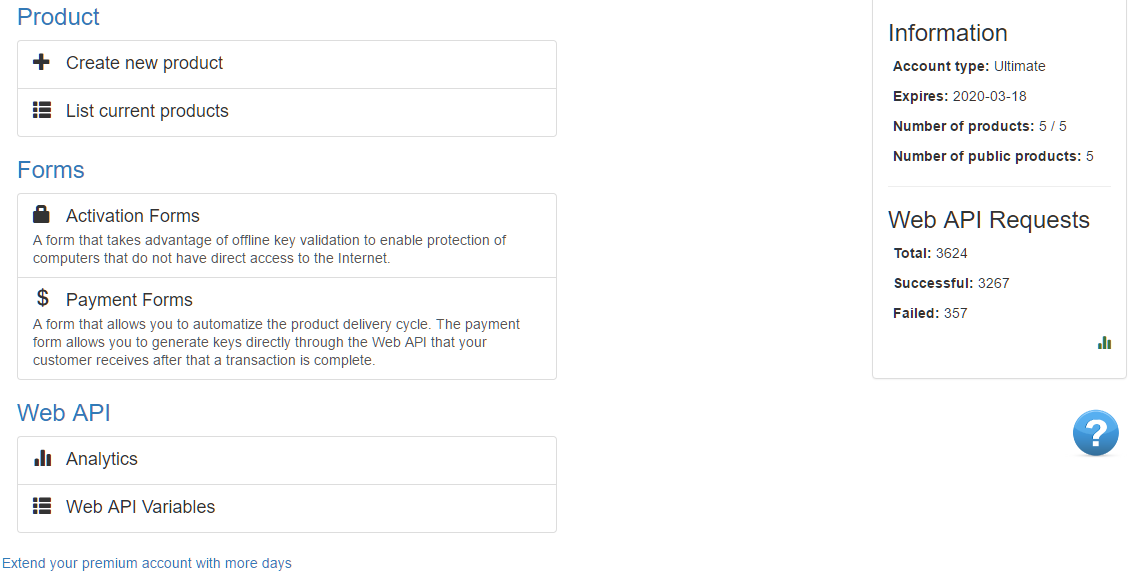
If you've followed the steps above, you should be able to see a page similar to the one below:
 ## Next
* [Add new product](/getting-started/new-product)
## Next
* [Add new product](/getting-started/new-product)